Why Brand Exclusions Matter in Performance Max Campaigns
When managing automated campaigns in Google Ads, advertisers frequently encounter an underlying efficiency trap: machine learning algorithms prioritize searches that are easiest to convert. In practical terms, that means your campaign often bids aggressively on your own company name, exact domain, and trademarked product lines.
Because users searching for your brand already intend to visit your website or complete a purchase, these clicks yield unusually high conversion rates. On surface-level dashboards, your campaign appears to generate outstanding return on ad spend. However, this dynamic introduces three serious operational issues:
- Internal Auction Cannibalization: If your marketing team already runs a dedicated Search campaign targeting your exact brand name, automated bidding can enter the same auctions. This internal overlap drives up costs without producing new customer demand.
- Inflated Acquisition Metrics: High reported returns can obscure real performance. If most conversions stem from users who already know your brand, your net-new customer acquisition remains flat.
- Starved Prospecting Budgets: When an automated campaign exhausts its daily budget on branded queries, it has little budget remaining to test top-of-funnel channels like YouTube, Discover, Gmail, and generic search terms.
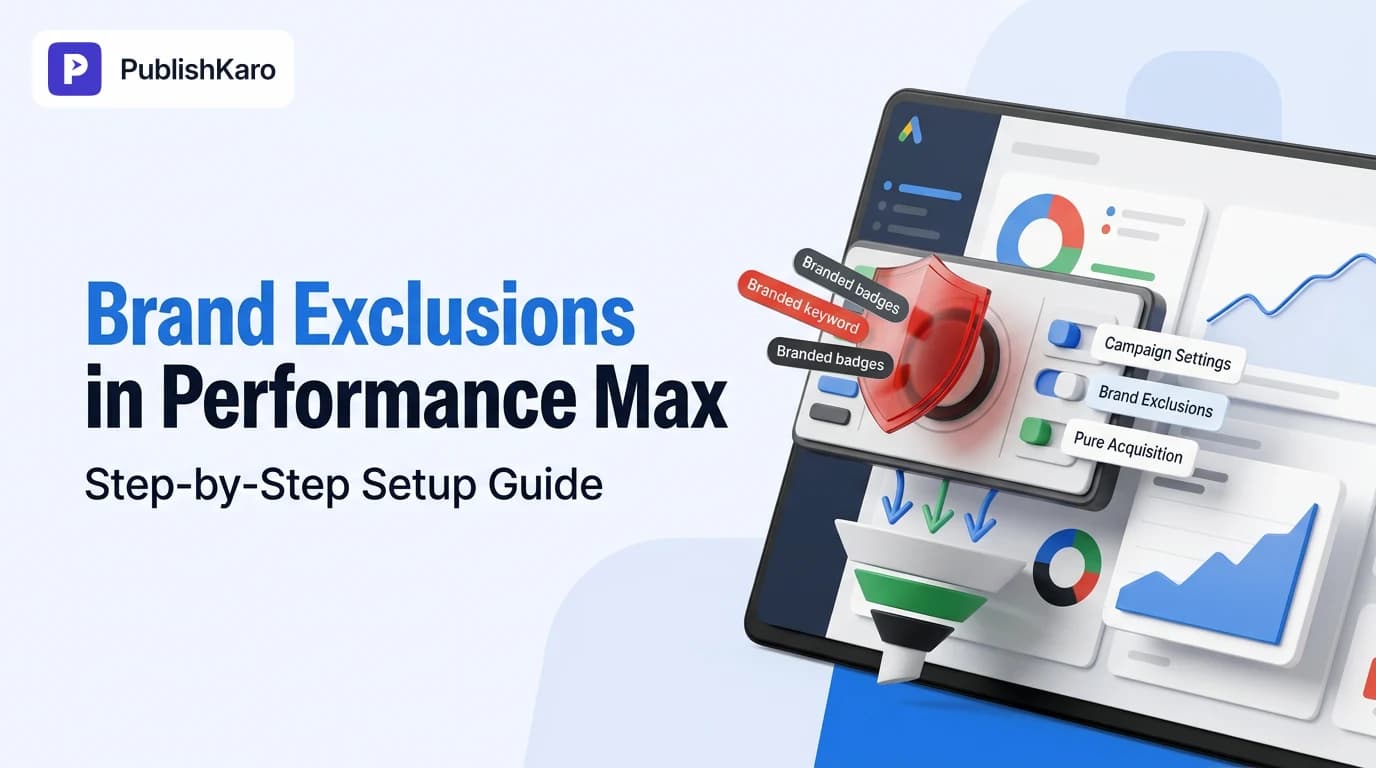
Implementing performance max brand exclusions establishes clear boundaries. By instructing Google Ads to omit your branded queries from your asset groups, you force the algorithm to seek genuinely incremental prospects. To discover comprehensive paid acquisition playbooks across search and social channels, explore our ads resources.
Understanding Brand Exclusions vs. Account-Level Negative Keywords
Before adjusting your campaign settings, it is helpful to understand how performance max brand exclusions differ from account-level negative keywords. While both features stop your ads from appearing on specific queries, they operate through completely different mechanisms inside Google Ads.
- Brand Exclusions: Built specifically for Performance Max, this feature utilizes Google's verified brand repository. When you apply a brand list to a campaign, Google automatically identifies and filters out official brand names, common misspellings, plural variations, international domain extensions, and foreign-language transliterations across Search and Shopping inventory.
- Account-Level Negative Keywords: These are traditional match-type keywords (broad, phrase, and exact match) entered manually at the global account level. When applied, they restrict matching search terms across all standard Search, Shopping, and Performance Max campaigns in your account, according to official guidelines provided in the Google Ads Help documentation.
If you want your standard Search campaigns to continue serving ads on your brand name while restricting your Performance Max campaign strictly to prospecting, brand exclusions are the correct tool.
Step-by-Step: How to Set Up Brand Exclusions in Performance Max
Configuring brand lists requires only a few minutes. Follow these practical steps inside your Google Ads dashboard to create your list and apply it properly.
Step 1: Access the Shared Library
- Sign in to your Google Ads administrative account.
- Click on the Tools icon (or "Tools and Settings" depending on your current account interface).
- Under the Shared Library section, select Brand lists.
Step 2: Create a Custom Brand List
- Click the blue plus button (+) to create a new list.
- Provide a clear, descriptive name for your list, such as
Own Brand Exclusions - [Company Name]. - In the search field, begin typing your company name. Google maintains a global database of commercial brands.
- When your brand appears in the dropdown suggestions, select the checkbox next to it to add it to your list.
If your organization is relatively new or has not yet been indexed in Google's commercial database, the search field may return no matching entities. In this scenario, click the Request a brand link directly within the interface. Google will prompt you to enter your official trademark name, primary website URL, and relevant business category. Google reviews these submissions to verify brand legitimacy before adding them to the global index. In the interim, you can deploy account-level negative keywords or request campaign-level negatives via Google Support to maintain coverage.
Step 3: Add Competitor Brands (Optional)
Brand lists are not limited to your own brand name. You can also build lists containing competitor brand names. If your strategy reserves competitor search targeting for dedicated Search campaigns with tailored ad copy, you can create a separate list titled Competitor Brand Exclusions and add competing company entities to protect your Performance Max budget.
Step 4: Apply the Brand List to Your Campaign
Once your brand list is saved in the Shared Library, attach it directly to your target campaign:
- Navigate to your Campaigns tab and select your active Performance Max campaign.
- In the secondary menu, click Settings.
- Scroll to the bottom of the page and click Additional settings to expand the advanced configuration options.
- Click on the Brand exclusions section.
- Select the brand list you created from the dropdown menu.
- Click Save to commit your changes.
Once saved, your campaign immediately stops bidding on the branded queries mapped to that list across Search and Shopping channels.
Measuring the Post-Implementation Shift
Applying brand exclusions changes how automated bidding directs your spend. In the first two to three weeks following implementation, anticipate an adjustment period. Because high-converting branded searches are removed, your reported return on ad spend (ROAS) will typically decline. This decrease reflects your true prospecting performance rather than an actual drop in business revenue.
To track the transition smoothly:
- Examine Search Terms Insights: In the Performance Max "Insights" panel, review search categories weekly to confirm that branded queries have fallen toward zero.
- Verify Dedicated Brand Search: Check that your dedicated Search campaign is capturing brand searches with controlled manual bids or a Target Impression Share strategy.
- Improve Site Speed and User Experience: Non-branded traffic is less familiar with your business and more sensitive to slow loading times. Regularly check technical site metrics using the performance recommendations outlined in Core Web Vitals guidance.
For businesses operating ecommerce storefronts, combining clean paid traffic with automated retention channels helps maximize lifetime value. Many merchants connect dedicated Shopify stores with automated customer journeys, as detailed in our guide on how to set up browse abandonment in Klaviyo.
Comparison Table
This breakdown compares the three primary methods used to control search queries within Performance Max campaigns:
| Feature / Attribute | Brand Exclusions | Account-Level Negatives | Campaign Negatives (via Google Support) |
|---|---|---|---|
| Campaign Scope | Individual PMax campaign | All campaigns across account | Individual PMax campaign |
| Configuration Method | Campaign Settings > Brand exclusions | Shared Library > Negative keyword lists | Form request submitted to Google Support |
| Handling of Typos & Plurals | Automatic detection via entity mapping | Manual keyword entries required | Manual keyword entries required |
| Competitor Filtering | Supported using brand lists | Supported via standard text terms | Supported via standard text terms |
| Impact on Other Campaigns | None; applies only to selected PMax | Affects standard Search and Shopping | None; applies only to selected PMax |
| Maintenance Requirement | Low; set once per campaign | Ongoing; requires manual search term reviews | High; requires support intervention for edits |
Visual guide
Applying Brand Exclusions in Google Ads
Follow these steps to build a brand list and apply it to your Performance Max campaign.
Finding or Submitting Your Brand Entity
Choose the correct route depending on whether Google already recognizes your brand name.
Choosing the Right Exclusion Strategy
Determine whether brand exclusions or account-level negatives fit your advertising structure.
Practical Examples
Example 1: Direct-to-Consumer Fitness Apparel Retailer
A direct-to-consumer athletic apparel brand operated a single Performance Max campaign that reported a 7.2x return on ad spend. Despite these figures, total monthly revenue across their store had leveled off over two consecutive quarters.
Upon checking their Search Term Insights, the marketing manager noticed that queries containing their company name and primary product line accounted for the majority of recorded conversions. The automated bidding algorithm was consistently capturing past customers and people already familiar with the brand.
To resolve this issue:
- The marketing team created a brand list containing their primary trademark and common phonetic misspellings.
- They applied this list to their Performance Max campaign under campaign settings.
- In parallel, they launched a dedicated standard Search campaign targeting their exact brand terms using a Target Impression Share bidding strategy.
Following the change, the Performance Max campaign reported an initial drop in ROAS down to 3.4x. However, because budget was freed from branded terms, the campaign began bidding on competitive non-branded search terms and YouTube inventory. Over subsequent weeks, total new-customer revenue increased noticeably as the campaign expanded its genuine reach.
Example 2: B2B Software Provider Eliminating Campaign Conflict
A business software provider managed two active Google Ads initiatives: an established manual Search campaign bidding on their core software name and an experimental Performance Max campaign optimized for trial signups.
Within three weeks of launching Performance Max, the team noticed that impressions on their manual branded Search campaign dropped significantly, while overall cost per click increased across their account. Performance Max was outbidding their own manual Search campaign for the same brand keywords.
By adding the company entity to a brand list and applying it as a brand exclusion inside the Performance Max settings, the team immediately stopped Performance Max from participating in brand auctions. The manual Search campaign recovered its previous impression volume at lower costs per click, while Performance Max shifted its spend toward relevant industry discovery placements.
Supporting Your Acquisition Across Multiple Channels
Restricting Performance Max to pure prospecting requires a reliable digital foundation to convert and retain new visitors. Cold audiences need clear messaging, responsive web pages, and cohesive multi-channel touchpoints.
- Strategic Campaign Management: Running dedicated brand protection alongside aggressive prospecting requires regular testing and structured management. Organizations looking to expand their advertising across search and social channels can review our dedicated ads management services.
- Cohesive Social Publishing: Prospective buyers who encounter your search or video ads often explore your social profiles before completing a transaction. Utilizing the PublishKaro publishing app enables marketing teams to schedule, verify, and publish cohesive campaigns across social channels, maintaining consistent brand visibility.
- Conversion-Optimized Landing Pages: Directing prospecting traffic to slow or outdated pages wastes budget. Developing clean, responsive pages—whether on custom websites or modern WordPress sites—ensures prospects experience minimal friction upon clicking your ads.
- Organic and Local Synergy: Paid prospecting works best alongside strong organic search visibility. Review our guide on how to rank in Google Map Pack and explore SEO and Google Business services to capture organic demand without relying solely on paid ad auctions.
- Content Planning and Social Media: Maintaining an organized promotional schedule ensures your ads align with your organic messaging. Learn how to structure your team's publishing workflow in our guide on how to build a social media content calendar, and support your campaigns with ongoing social media services.
Checklist
Use this checklist to confirm that your brand exclusions are configured correctly and that your account is prepared for the transition:
- Audit Current Search Insights: Review your Performance Max Search Term Insights to identify what proportion of your current traffic matches your brand.
- Establish a Dedicated Brand Campaign: Launch an exact-match standard Search campaign to protect your trademark at a controlled cost.
- Build Your Brand List: In Tools > Shared Library > Brand lists, create a new list and search for your official brand entity.
- Submit Brand Requests if Needed: If your company is not listed, submit your URL and business details to Google for manual approval.
- Include Misspellings and Variations: Ensure all official variations, sub-brands, and relevant competitor brands are cataloged.
- Apply the List in Campaign Settings: Open your Performance Max campaign settings, expand Additional settings, and select your brand list under Brand exclusions.
- Adjust Target ROAS Expectations: Lower your target ROAS slightly for the first few weeks to give machine learning room to adapt to prospecting auctions.
- Monitor Spend and Placements: Regularly verify that daily ad spend distributes smoothly across Search, Shopping, YouTube, and Display inventory.
Key Takeaways
- Brand exclusions eliminate self-competition: Applying brand lists prevents Performance Max from bidding against your own dedicated Brand Search campaigns.
- Automatic entity matching saves time: Google's brand lists automatically capture spelling errors, domain extensions, and plural forms without requiring manual keyword maintenance.
- Reporting reflects true prospecting: Excluding brand queries removes inflated ROAS numbers, giving your team accurate data on real customer acquisition.
- Dedicated brand protection remains essential: Always capture your own brand searches with a dedicated, low-cost Search campaign before activating exclusions in Performance Max.
- Foundational performance supports ad spend: High-converting paid advertising relies on fast site speed, reliable landing pages, and consistent organic brand presence across channels.
Frequently asked questions
Will setting up brand exclusions drop my Performance Max campaign ROAS?
Yes, it is normal to see a temporary decrease in reported ROAS after applying brand exclusions. Branded queries naturally convert at high rates; excluding them redirects your ad spend toward non-branded prospects, reflecting your true customer acquisition performance.
What should I do if my company name does not appear in the brand list?
If your brand is not recognized in Google's pre-populated directory, click the "Request a brand" button inside the Brand List creation menu. You will submit your trademark name, official website URL, and business category for Google's review.
Can I exclude competitor brands using brand exclusions?
Yes. You can build a brand list containing competitor names and attach it to your Performance Max campaign. This prevents the campaign from serving ads on competitor queries, allowing you to manage competitor targeting through standalone Search campaigns.
What is the difference between brand exclusions and account negative keywords?
Brand exclusions apply at the campaign level within Performance Max and automatically account for misspellings and variants. Account-level negative keywords are broad, phrase, or exact match strings that restrict matching queries across every Search, Shopping, and Performance Max campaign in your entire account.
Can I apply multiple brand lists to a single Performance Max campaign?
No, Google Ads allows you to link only one brand list per Performance Max campaign. However, a single brand list can contain multiple brand entries, so you can include your own company name along with competitor brands in that single list.
How long does it take for brand exclusions to take effect?
Brand exclusions begin filtering matching queries shortly after you save your campaign settings. However, it generally takes one to two weeks for the automated bidding model to recalibrate its budget allocation across non-branded inventory.
Do brand exclusions apply to Google Shopping ads inside Performance Max?
Yes. Brand exclusions apply to both Google Search and Google Shopping placements within your Performance Max campaign, preventing your product listing ads from showing for excluded branded search terms.