Why Cross-Posting Short-Form Video Drives Real Business Growth
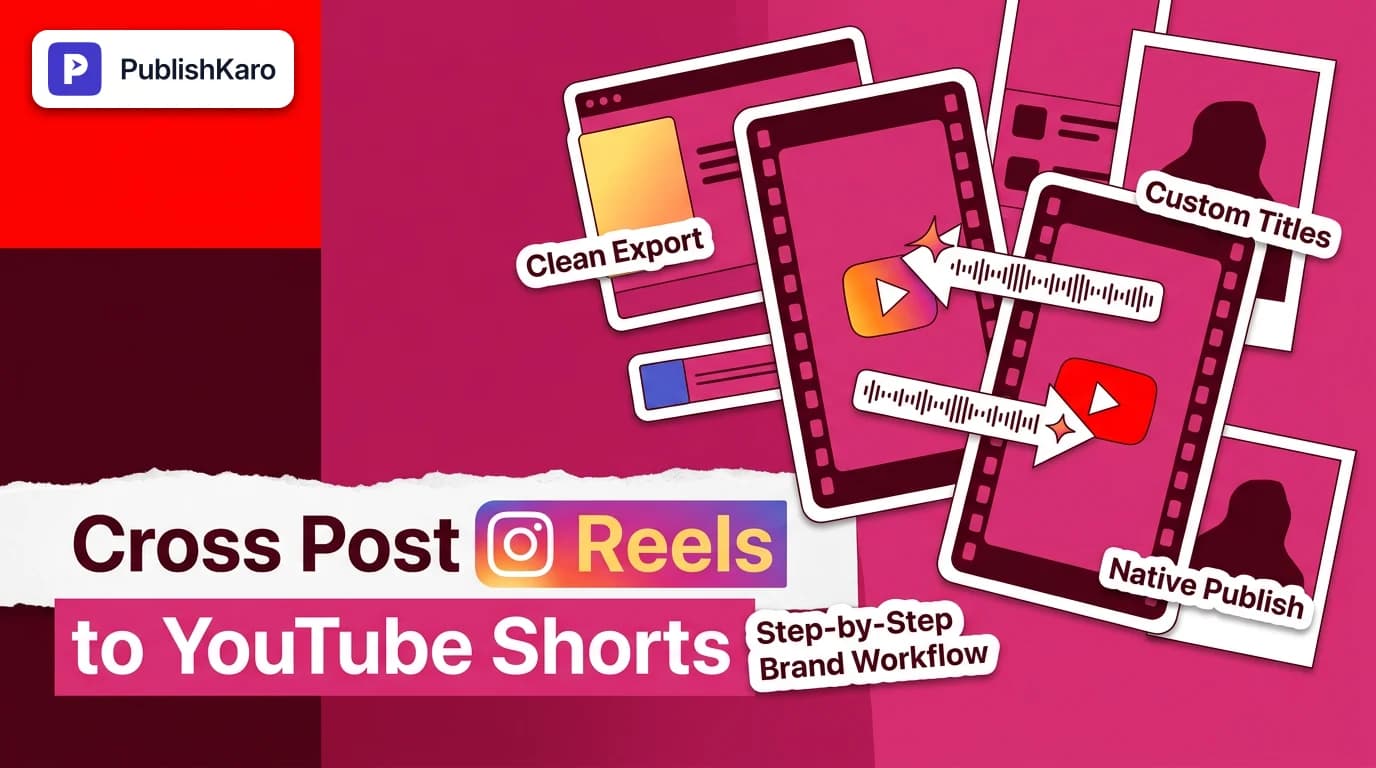
Producing high-retention vertical video requires focused planning, clear scripting, and reliable post-production. For growing businesses and busy marketing teams, publishing an original asset solely to a single channel cuts your potential audience reach in half. Mastering how to cross post Instagram Reels to YouTube Shorts allows your brand to establish visibility across two fundamentally different user ecosystems from a single editing pipeline.
Instagram functions primarily as an interest-based graph and visual discovery engine. Users scroll dynamically, letting recommendation algorithms deliver content based on recent interactions, social ties, and trending aesthetics. In contrast, YouTube serves as a hybrid platform combining rapid algorithmic feed discovery with robust search intent. On YouTube, vertical videos can rank directly in search results alongside long-form tutorials and product guides, giving your production assets lasting discoverability that traditional ephemeral social feeds rarely match. Establishing a dedicated repurpose reels to youtube shorts routine protects your operational budget while expanding reach across varied buyer demographics.
If your marketing team seeks broader strategic alignment beyond day-to-day distribution, exploring dedicated social media management can help synchronize multi-channel video content with broader commercial objectives.
The Technical Foundations: Aspect Ratios, Length, and Audio
Before uploading any content to your channel, you must verify that your core video files satisfy the strict technical parameters of both hosting networks.
1. Aspect Ratio and Safe-Zone Dynamics
Both Instagram Reels and YouTube Shorts operate natively on a 9:16 vertical canvas (1080x1920 pixels). However, their user interfaces place navigational elements in completely different locations. YouTube Shorts positions interactive icons (like, comment, share, remix) vertically along the lower right-hand edge, while your channel handle, subscription button, and video title occupy the bottom quarter. Instagram overlays profile handles, audio tags, captions, and engagement ribbons across comparable yet distinct zones.
To prevent graphical clutter, keep all essential on-screen text, titles, lower thirds, and central subject focus inside a protected center safe zone (roughly 1080x1420 pixels). Placing text overlays too close to the top, bottom, or right border will cause platform buttons to obscure your messaging.
2. Video Duration Parameters
While Instagram allows users to publish longer vertical videos, YouTube Shorts strictly limits standard vertical uploads to a maximum duration of 60 seconds according to YouTube Help. If an uploaded file exceeds this mark by even one second, YouTube processes the upload as standard landscape-style long-form video, removing it completely from the high-traffic mobile Shorts shelf. When trimming video edits for multi-channel syndication, edit between 45 and 58 seconds to maintain comfortable margins across both environments.
3. Audio Licensing and Copyright Enforcement
Using popular commercial songs from Instagram's in-app sound library is one of the quickest ways to encounter cross-posting failures. Meta's commercial music licensing agreements apply strictly within its own family of applications, as detailed in the Meta Business Help Center. If you export a video carrying an in-app audio clip and upload it to YouTube, YouTube's automated Content ID system will flag, monetize, or mute the track.
To keep your pipeline smooth, always build master video exports using cleared commercial tracks, voiceovers, or royalty-free background themes. For organizations requiring turnkey creative production, PublishKaro provides video packages with cleared audio: video editing for every feed starts at ₹1,000–₹5,000 per 1-minute video, motion graphics reels are ₹2,000–₹5,000 per 1-minute video, animated-film style 3D is ₹4,000–₹10,000 per 1-minute video, and AI video is ₹3,000–₹10,000 per 1-minute video. Additional custom projects are quoted after a free call, at a fixed price agreed in writing.
Step-by-Step Workflow: How to Cross Post Cleanly
Executing a deliberate workflow prevents platform distribution flags and preserves visual quality across every upload.
Step 1: Export an Uncompressed Master File
Never download a video directly from the Instagram interface to repost it onto YouTube. Doing so attaches a persistent Instagram watermark and account badge directly onto the video frames. Recommendation engines on major platforms systematically downrank videos containing third-party logos. Always store your unwatermarked, high-bitrate master files (MP4 or MOV) in organized cloud storage directories such as Google Drive or team network storage.
Step 2: Tailor Captions and Metadata by Channel
Instagram captions focus on an immediate opening hook followed by conversational body copy and niche hashtag clusters. YouTube Shorts, however, prioritizes clear, search-friendly titles. According to the Google Search Central SEO Starter Guide, concise, descriptive titles help search engines accurately interpret content subject matter. Write a descriptive title under 60 characters for YouTube Shorts, incorporate relevant keywords, and include #Shorts in your title or description field to support categorization.
Step 3: Implement Structured Scheduling and Workflows
Posting files manually across multiple mobile devices often leads to missing metadata, inaccurate links, and irregular posting intervals. Many marketing departments streamline distribution through structured scheduling systems. For instance, the PublishKaro publishing app allows teams to plan content inside a centralized Google Sheet. The application verifies caption lengths, reviews asset specifications, and handles multi-network distribution via official platform endpoints, recording publication timestamps directly back to your spreadsheet.
If your company is modernizing its broader digital footprint, pairing video syndication with contemporary custom websites helps ensure that users visiting your brand from short-form links encounter fast, mobile-friendly landing pages.
Comparison Table
Here is how technical parameters, audience discovery mechanics, and asset lifespans compare between both platforms:
| Specification / Feature | Instagram Reels | YouTube Shorts |
|---|---|---|
| Optimal Aspect Ratio | 9:16 (1080 x 1920 pixels) | 9:16 (1080 x 1920 pixels) |
| Maximum Duration for Feed | Up to 90 seconds (varies by region) | Strictly under 60 seconds |
| Primary Discovery Channel | Social explore feed and interest graph | Search intent and dedicated Shorts shelf |
| Primary Metadata Asset | First-line caption hook and hashtags | Clickable, search-informed title |
| Competitor Watermark Impact | Algorithmic reach suppression | Algorithmic reach suppression |
| Audio Licensing Model | Meta in-app commercial sound terms | YouTube Content ID and Audio Library |
| Typical Lifespan | 48 to 72 hours peak organic reach | Weeks to months via keyword search |
| Direct API Integration | Meta Graph API | YouTube Data API v3 |
Visual guide
Clean Cross-Posting Master Workflow
Follow this standard sequence to distribute vertical videos from one master file to both Instagram and YouTube without platform penalties.
Audio Copyright Safety Decision
Check audio rights before cross-posting to avoid YouTube Content ID claims and muted videos.
Video Duration Routing
Keep video files under 60 seconds to ensure YouTube treats your vertical video as a Short rather than standard landscape content.
Practical Examples
Reviewing real-world cross-posting scenarios helps illustrate how distinct industries configure their workflows for dual-platform success.
Example 1: B2B Software Provider
A software company produced a 48-second screen recording demonstrating automated invoice processing.
- Instagram Reel: The marketing team paired the clip with an engaging opening caption: "Tired of spending 5 hours every Friday reconciling invoices? Here is how modern finance teams fix it." The caption included five operational hashtags and directed users to the profile link.
- YouTube Shorts: The team utilized the exact same clean master video, giving it a search-oriented title: "Automate Invoice Processing in Under 5 Minutes #Shorts". In the description, they added structured documentation links. Over subsequent months, the YouTube Short continued gaining views from search queries, while the Instagram Reel drove short-term profile traffic.
Example 2: Direct-to-Consumer Ecommerce Brand
An online retail merchant managing high-traffic Shopify stores filmed an unboxing and durability test for a waterproof travel bag.
- Instagram Reel: The brand incorporated a trending audio clip licensed within Meta's creator library, focusing on rapid visual cuts and product tags.
- YouTube Shorts: Recognizing that Meta's music library cannot be monetized or cleared on YouTube, the editor replaced the background soundtrack with an instrumental track from the YouTube Audio Library prior to uploading. This kept the video fully compliant with Content ID requirements and active on the Shorts shelf.
Example 3: Professional Design Agency
A boutique branding studio produced a 52-second breakdown evaluating corporate typography trends.
- Execution: Instead of uploading informally from personal mobile devices, the agency managed the asset through a shared content calendar. By archiving the clean master export, the team was able to reuse the video asset across editorial guides, such as our analysis of how much does rebranding cost small business owners and our guide on how to reset Instagram suggested content.
Checklist
Use this verification checklist prior to publishing your vertical video across platforms:
- Verify video duration: File length is strictly under 60 seconds (target 45–58 seconds for safety).
- Confirm clean export: Video is exported directly from editing software, entirely free of social watermarks or handles.
- Check safe zones: Essential captions, graphics, and logos sit within the central 1080x1420 pixel safe zone.
- Review audio rights: Background music is commercially licensed, royalty-free, or selected from the respective platform library.
- Optimize YouTube title: Title is descriptive, keyword-aligned, under 60 characters, and features
#Shorts. - Format Instagram caption: Caption includes an attention-grabbing hook, clear line breaks, and targeted niche tags.
- Select scheduling path: Publishing is executed through official platform tools or verified API integrations.
Common Pitfalls to Avoid When Cross-Posting
Even experienced marketing teams can encounter distribution issues when establishing a cross-platform video workflow.
1. Relying on Third-Party Watermark Removers
Many social media managers attempt to download published Reels using third-party browser downloaders or screen recording tools. These services often alter bitrates, introduce frame rate stutter, and recompress video files. Platform moderation algorithms can flag these artifacts as low-resolution content. Storing uncompressed master exports in cloud storage is the only dependable method for preserving video quality.
2. Copying Instagram Caption Formatting to YouTube
A frequent mistake is pasting an Instagram caption—complete with multiple hashtag lines, emoji formatting, and "link in bio" instructions—directly into the YouTube Shorts title field. YouTube users rely heavily on concise, explanatory titles. Cluttered titles lower click-through rates when your video appears in YouTube search listings.
3. Directing Visitors to Slow Landing Pages
Social video traffic is predominantly mobile. If your bio links and video descriptions direct viewers to unoptimized, slow-loading websites, high bounce rates will dilute your campaign performance. Regularly audit your technical website performance by consulting our practical guide on website speed optimization for small business or reviewing our step-by-step walkthrough on how to switch to block theme WordPress.
Integrating Short-Form Video with Wider Marketing Channels
Cross-posting vertical content is most effective when integrated into a unified multi-channel acquisition strategy:
- Paid Performance Advertising: Organic Reels that achieve high engagement can serve as creative assets for paid campaigns. Learn how structured pacing improves results in our guide on how to set up Meta ads super burst, or explore comprehensive ads management options.
- Search Engine Discovery: Embedding relevant YouTube Shorts into educational blog content improves on-page user engagement signals. Explore organic growth strategies through our dedicated SEO & Google Business division.
- Email Lead Generation: Direct your short-form audience to specialized email sequences. To maintain sender reputation, review our technical breakdown on how to set up branded sending domain Klaviyo.
- Automated Messaging Systems: Convert profile visitors who arrive from short-form video links into direct inquiries via automated messaging. Our guide on how to set up a WhatsApp AI chatbot for business outlines how to handle incoming buyer requests around the clock.
To discover additional publishing workflows, visit our social publishing section and browse all PublishKaro articles.
Key Takeaways
- Never upload watermarked videos: Always publish using uncompressed master files exported straight from your video editor.
- Respect the 60-second limit: Keep all multi-platform video files under 60 seconds so YouTube places them in the Shorts feed.
- Tailor metadata per network: Write searchable, concise titles for YouTube Shorts, and use engaging caption hooks on Instagram Reels.
- Verify commercial audio clearance: Meta in-app audio licenses do not cover YouTube; use royalty-free tracks or add music within each platform's native editor.
- Rely on official API scheduling: Manage uploads through verified scheduling platforms to avoid account security flags and preserve posting consistency.
Frequently asked questions
Will Instagram penalize my account if I post the same video on YouTube Shorts?
No, Instagram does not penalize accounts simply for publishing identical video content across different social networks. Algorithmic penalties occur only when you upload videos carrying visible competitor logos or watermarks directly into the Instagram feed.
Can I cross-post an Instagram Reel longer than 60 seconds to YouTube Shorts?
No. While Instagram allows vertical videos up to 90 seconds, YouTube Shorts strictly caps duration at 60 seconds according to YouTube Help. Any vertical video exceeding 60 seconds will be displayed as a standard landscape-style video rather than in the vertical Shorts feed.
Why was the audio on my YouTube Short muted after cross-posting from Instagram?
This occurs when you use commercial tracks from Instagram's in-app library. Meta's commercial licensing does not extend to YouTube. To prevent muted tracks, export your master video with royalty-free audio or select native audio within each platform's editor.
Do hashtags matter as much on YouTube Shorts as they do on Instagram Reels?
Hashtags play a much smaller role on YouTube Shorts than they do on Instagram. While adding #Shorts helps YouTube categorize the video format, clear and descriptive video titles are far more critical for securing search placement.
Should I download my published Reel from Instagram to upload it to YouTube?
No, downloading published Reels embeds an Instagram watermark and causes file recompression. You should always upload the original, clean master file exported directly from your editing software.
Can I use automated scheduling tools to post to both platforms at once?
Yes, provided the scheduling platform connects through official Meta and YouTube developer APIs. Using authorized API workflows maintains platform compliance and avoids account verification challenges.