Understanding 3D Product Animation for Ecommerce
Online shoppers cannot pick up, examine, or physically test products prior to purchase. For years, digital storefronts relied strictly on static photography to convey scale and quality. While high-resolution studio photographs remain foundational, dynamic motion provides immediate clarity regarding fit, internal engineering, and functional utility.
3D product animation creates digitally simulated models rendered within virtual environments. Unlike physical camera shoots, working with 3D models removes studio rental fees, weather disruptions, prop sourcing, and physical prototype shipping. Once an accurate digital twin exists, marketing teams can change camera choreography, lighting schemes, surface textures, and colorways without scheduling a reshoot.
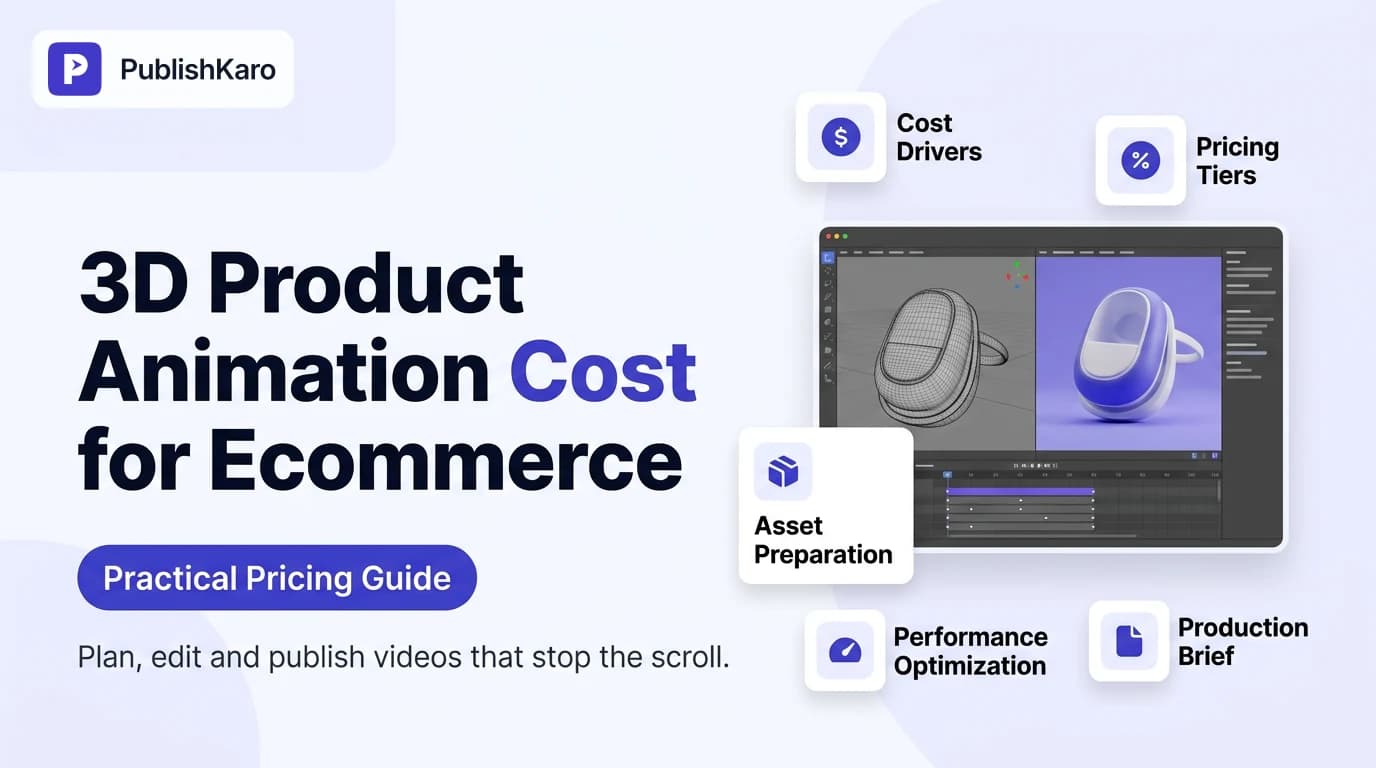
However, pricing across creative studios, boutique production houses, and freelancers varies substantially. Understanding what drives the 3d product animation cost for ecommerce allows business owners, art directors, and ecommerce managers to allocate digital creative budgets effectively across upcoming product drops.
Primary Factors That Drive 3D Animation Costs
Every 3D visual deliverable progresses through distinct technical milestones. Overall ecommerce product animation pricing depends directly on the labor hours, computational power, and artistic expertise needed across these project phases.
1. 3D Modeling and CAD Conversion
Every visual asset begins with geometry. If an engineering or manufacturing team already maintains production-ready CAD files (in STEP, IGES, or SolidWorks formats), artists can import, convert, and optimize the topology for rendering. This conversion path avoids manual geometry reconstruction and saves significant modeling time.
When no CAD data exists, artists must recreate the product from scratch using dimension blueprints, reference photographs, and physical samples. Rebuilding organic curves, intricate grip textures, or micro-components increases manual sculpting hours, which raises the base cost of production.
2. Texturing, Materials, and Shading
Photorealism distinguishes professional commercial renders from rudimentary digital graphics. Crafting lifelike materials requires building complex multi-layered shaders. Artists configure how light bounces, refracts, or absorbs across matte plastics, anodized metals, brushed titanium, woven textiles, and liquids.
Adding realistic surface imperfections—such as subtle manufacturing seams, micro-scratches, or tactile fabric weaves—requires focused artistic time. The broader the variety of materials across your product catalog, the more time texturing requires.
3. Rigging and Motion Complexity
A basic product revolving against a clean studio backdrop demands minimal mechanical setup. Conversely, showing an exploded view of an internal motor, articulating a folding stroller mechanism, or demonstrating water-resistant seals requires precise mechanical rigging.
Linear camera movements and steady rotations involve simpler timelines. Dynamic liquid physics, particle systems, soft-body fabric simulations, and synchronized component breakdowns require advanced physics solvers, which increases project scope.
4. Lighting, Rendering, and Post-Production
Rendering calculates millions of light paths bouncing across digital surfaces to output final video frames. A 30-second animation rendered at 60 frames per second requires 1,800 individual images. Rendering photorealistic 4K frames at production scale consumes significant processing power across multi-GPU workstations or render farms.
Following render completion, compositors balance color values, apply depth of field, insert typography or callouts, mix audio effects, and export vertical cuts for mobile channels.
Comparison Table
Below is an overview comparing common 3D product animation styles used across digital commerce, detailing complexity levels, standard durations, and commercial placements.
| Animation Style | Technical Scope | Typical Asset Duration | Primary Ecommerce Placement |
|---|---|---|---|
| 360° Studio Spin | Clean turntable camera path, studio lighting, single-part object | 5 to 15 seconds | Shopify product detail page (PDP), catalog headers |
| Exploded Part Breakdown | Internal components separate to demonstrate engineering or battery cells | 15 to 30 seconds | Feature highlights, Amazon A+ media, landing pages |
| Functional Rigging Demo | Mechanical movement, latching mechanisms, folding sequences | 15 to 45 seconds | Technical PDP tabs, user manuals, customer support |
| Dynamic Fluid / Particle Simulation | Fluid pouring, splash dynamics, cosmetic serum droplets, airflow lines | 10 to 30 seconds | Skincare feeds, luxury apparel campaigns, social ads |
| Full Commercial Narrative | Stylized lighting, custom 3D environments, voiceover, motion graphics | 30 to 60 seconds | Meta Ads, YouTube video campaigns, homepage hero video |
How Ecommerce Brands Deploy 3D Visuals Across Channels
Investing in 3D product visualization generates maximum value when assets are repurposed across storefronts, paid media, retention channels, and automated social feeds.
Storefront Product Detail Pages (PDPs)
Placing short, looping 3D animations directly on product pages helps shoppers examine construction details and scale. Demonstrating how a clasp fastens or how a modular component detaches resolves customer hesitations directly at the point of sale. If your business operates a bespoke web platform, our team develops custom websites with streamlined video players that showcase high-fidelity motion without bogging down page load times.
Merchants running on Shopify can integrate rich media and video directly into product galleries according to the official Shopify Manual guidelines to preserve smooth navigation while presenting dynamic visuals. If your storefront experiences input latency after adding media embeds, review our technical tutorial on how to fix Shopify Interaction to Next Paint (INP).
Paid Social and Video Ad Campaigns
High-energy motion creative captures attention in fast-scrolling mobile feeds. Direct-to-consumer brands running paid campaigns on Instagram, TikTok, and YouTube routinely deploy 3D cuts to highlight core differentiators within the opening two seconds. Combining engaging creative assets with systematic media buying delivers consistent performance; explore our structured methodologies via ads management and read our practical guide to Meta Ads engage-through attribution settings.
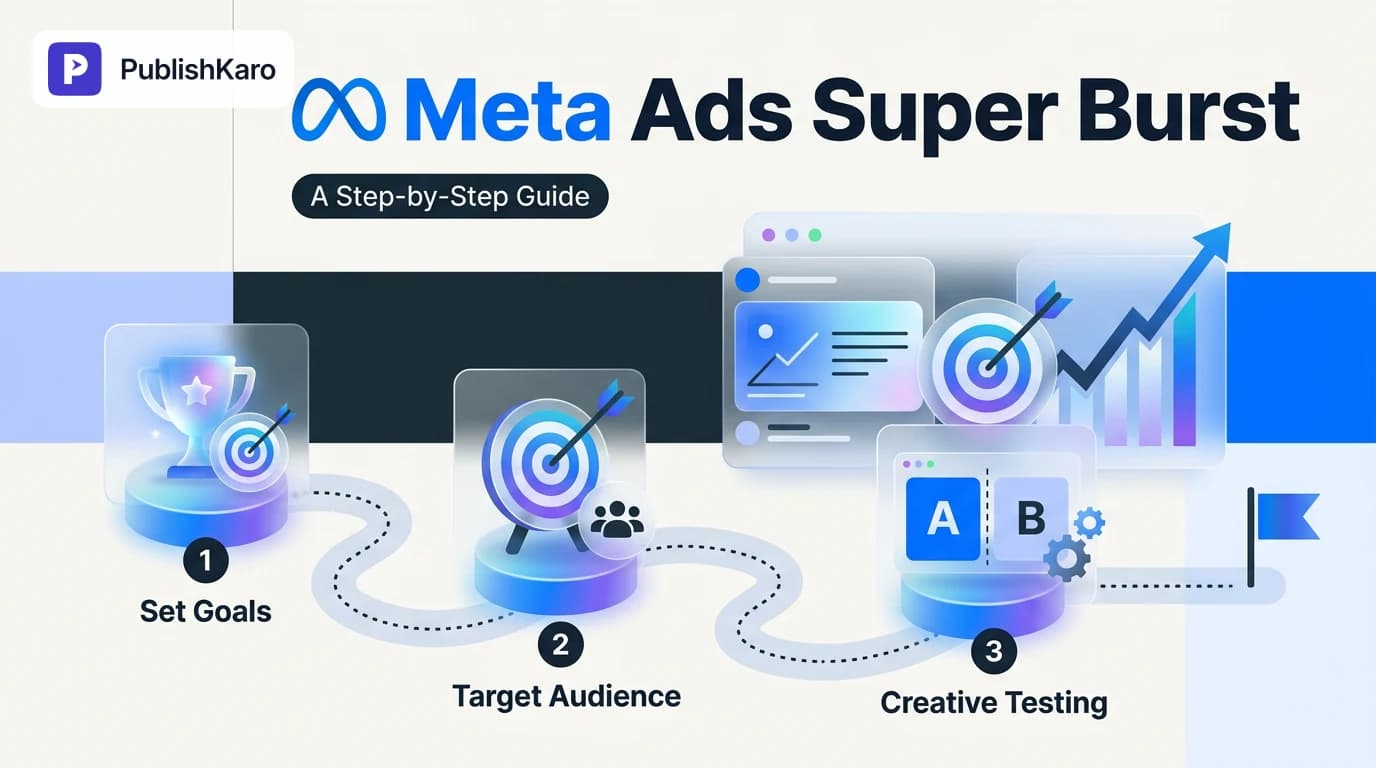
When launching high-priority seasonal product releases, pairing 3D motion assets with concentrated impression strategies outlined in our Meta Ads Super Burst campaign guide ensures strong market visibility during launch week.
Automated Social Publishing Workflows
Developing 3D product animations produces a valuable library of short video clips, dynamic loops, and isolated render passes. Ecommerce teams can repurpose these assets into vertical reels, feature highlights, and organic social teasers. Managing scheduled distribution across multiple platforms is streamlined using The PublishKaro publishing app, which allows teams to schedule video drops to Instagram, Facebook, LinkedIn, and YouTube directly from Google Sheets.
To build an automated social publishing pipeline around your newly rendered motion assets, consult our guide on how to auto publish from Google Sheets to social media.
Retention Email Sequences and Customer Onboarding
Product launch campaigns often incorporate short, looping video snippets or lightweight animated GIFs within welcome series and abandoned checkout flows. According to documentation on the Klaviyo Help Center, including dynamic visual elements inside automated email flows supports subscriber engagement when file weights are kept within recommended message size limits. Aligning your motion renders with targeted customer segments through strategic email marketing creates a cohesive customer journey from initial discovery to delivery.
Visual guide
3D Product Animation Production Pipeline
Shows the technical milestones required to take an ecommerce product from initial CAD files to final rendered video clips.
CAD Asset Input Cost Decision
Illustrates how providing factory CAD files lowers upfront modeling expenses compared to rebuilding geometry from scratch.
Repurposing Finished 3D Motion Assets
Demonstrates how a single completed 3D render generates visual assets across storefronts, paid media, and automated social channels.
Practical Examples
Examining realistic scenarios illustrates how creative parameters directly dictate the 3d product animation cost for ecommerce.
Scenario 1: Thermal Travel Tumbler
- The Objective: Showcase vacuum-sealed double-wall insulation, leak-proof lid threads, and three seasonal colorways on a Shopify storefront.
- Asset Input: The brand provided verified factory STEP files and exact Pantone reference codes.
- Production Approach: Because clean CAD geometry was supplied, the animator bypassed manual polygon modeling. The workflow centered on brushed metal and powder-coated shaders, an exploded view illustrating the internal silicone gasket, and a continuous 360-degree turntable camera path.
- Outcome: A 15-second seamless loop rendered in 4K with three color passes. Production remained economical because no complex fluid physics or character animation was involved.
Scenario 2: Modular Mechanical Keyboard
- The Objective: Highlight hot-swappable switch sockets, layered sound-dampening foam, and custom RGB lighting modes for a new product launch.
- Asset Input: Engineering dimension drawings and physical plastic samples.
- Production Approach: The studio modeled the chassis, keycaps, and individual switch components from scratch. The artist rigged an exploded disassembly animation separating five structural layers while programming light patterns across the translucent key legends.
- Outcome: A detailed 30-second video used across crowdfunding landing pages and targeted digital ads. The manual geometry creation and multi-part rigging required moderate production hours.
Scenario 3: Botanical Hydrating Face Oil
- The Objective: Illustrate a precision dropper dispensing a golden serum droplet, capturing realistic fluid surface tension, droplet release, and microscopic penetration into skin layers.
- Asset Input: Vector packaging labels and container dimensions.
- Production Approach: The animator built custom glass and liquid shaders featuring realistic light refraction. The project required dedicated fluid physics simulations to capture viscous droplet formation and dynamic splash behavior.
- Outcome: A 15-second high-impact promotional reel formatted for paid social channels and hero banners. The extensive physics simulation and heavy ray-tracing requirements placed this project in a premium category.
Transparent Production Rates and Agency Engagements
When hiring an outside creative partner, pricing models generally follow fixed project agreements or transparent service scopes. At PublishKaro, we provide complete video and motion services, delivering motion graphics, 3D visualizations, and social video creative for growing businesses worldwide.
For standard creative video formats, our published production rates are:
- Motion graphics reels: ₹2,000–₹5,000 per 1-minute video
- Animated-film style 3D: ₹4,000–₹10,000 per 1-minute video
- Video editing for every feed: ₹1,000–₹5,000 per 1-minute video
- AI video: ₹3,000–₹10,000 per 1-minute video
For custom ecommerce product animations—such as high-tolerance CAD conversions, multi-layered mechanical exploded assemblies, or complex fluid and particle simulations—every project is quoted after a free call, at a fixed price agreed in writing. Furthermore, our clients retain 100% ownership of every project account, native project file, and final rendered master upon delivery.
To discover how we support marketing workflows across web development, content production, and advertising, explore all PublishKaro services.
Optimization for Search Engines and Web Performance
Investing in photorealistic 3D animation creates compelling visual engagement, but online retailers must also safeguard core technical page speed and search discoverability. Rich video embeds should never compromise web vitals or crawl efficiency.
Video Compression and Responsive Delivery
Hosting raw video files directly on standard web hosting accounts can saturate server bandwidth and cause stuttering video playback. Industry best practices involve encoding renders into efficient MP4 and WebM formats, utilizing responsive video container elements, and applying autoplay, muted, and playsinline attributes for ambient background loops.
For longer product explainers and feature overviews, hosting video content on YouTube provides responsive video player controls while expanding visibility across video search algorithms. Refer to the official Google YouTube Help Center for video encoding recommendations and embed configurations.
Structured Data and Discoverability
To assist search engines in discovering and understanding your video assets, incorporate structured markup on pages hosting product animations. Applying VideoObject markup in alignment with the Google Search Central Structured Data Documentation allows search crawlers to index video titles, descriptions, thumbnail files, and upload dates for rich search results.
For comprehensive search engine optimization across your commercial storefront, consult the Google Search Central SEO Starter Guide, or collaborate with our specialists via SEO and Google Business services.
If your organization is updating a legacy content architecture, transitioning to modern modular platforms can improve asset management and page speed; explore our guide on how to switch to block theme WordPress for structured web publishing insights.
Checklist: Preparing Your 3D Animation Brief
Review this practical preparation checklist before requesting studio estimates to keep your 3d product animation cost for ecommerce predictable and within budget.
- Collect Native CAD Files: Locate existing STEP, IGES, or SolidWorks manufacturing files to avoid manual modeling fees.
- Document Exact Dimensions: When CAD files are missing, record precise measurements including height, width, depth, wall thickness, and weight.
- Gather Color and Material Specs: Provide accurate Pantone codes, physical texture samples, or macro photographs of surface coatings.
- Specify the Core Action: Identify the single most important action to showcase (e.g., 360-degree rotation, exploded assembly, latching mechanism, or fluid flow).
- Confirm Delivery Formats: Establish target aspect ratios upfront (e.g., 16:9 widescreen for desktop galleries, 1:1 square for catalog feeds, 9:16 vertical for TikTok and Instagram Reels).
- Set Runtime Expectations: Keep animations focused (10 to 30 seconds is ideal for ecommerce conversion and paid social engagement).
- Secure Asset Ownership Terms: Verify in writing that your business receives full commercial intellectual property rights and raw render files upon project sign-off.
Key Takeaways
- CAD Files Reduce Costs: Supplying verified manufacturing files eliminates initial 3D modeling expenses and accelerates timelines.
- Motion Complexity Determines Scope: Turntable product spins require far fewer labor hours than dynamic fluid simulations or complex mechanical disassemblies.
- Repurpose Across Channels: Maximize asset value by deploying renders across Shopify PDPs, paid Meta and YouTube ad sets, social media feeds, and email campaigns.
- Preserve Technical Web Performance: Compress render exports and apply structured data schema to support fast site speed and search engine indexation.
- Demand Clear Contracts: Partner with studios that provide fixed pricing in writing and transfer full ownership of working files upon project completion.
To discover more digital marketing guides, explore all PublishKaro articles or visit our curated Video category archive.
Frequently asked questions
What is the average 3d product animation cost for ecommerce?
The cost typically ranges between $300 and $5,000+ per finished asset, depending on project complexity. Clean 360-degree turntable rotations sit at the lower end of the pricing spectrum. Multi-layer exploded views, custom mechanical rigging, and complex fluid simulations require greater technical investment.
Do I need to supply CAD files for a 3D product animation?
Supplying manufacturing CAD files (such as STEP or IGES formats) is not mandatory, but it significantly reduces production costs. When CAD files are unavailable, 3D artists can build the digital model manually using precise dimension blueprints, physical samples, and reference photographs.
How long does it take to produce an ecommerce 3D animation?
A standard product animation project typically requires 1 to 4 weeks from initial briefing to final delivery. This schedule encompasses CAD preparation or manual modeling, material texturing, camera movement staging, client review rounds, final high-resolution rendering, and color grading.
Can 3D animation videos slow down my online store?
Uncompressed video files can increase page load times and harm user experience. However, converting rendered videos to modern WebM or MP4 formats, utilizing responsive video players, and serving files via content delivery networks ensures your store remains fast and responsive.
How does 3D animation compare to traditional video production?
3D product animation avoids recurring expenses associated with studio rentals, physical sample shipping, lighting crews, and camera equipment. Once a 3D model is created, brands can alter colors, surface finishes, lighting moods, and camera angles at any time without organizing a new physical shoot.
What resolution should I request for ecommerce product animations?
Requesting 4K (3840x2160) master renders provides high-resolution source material that can be cropped or downscaled for various channels. From that master, export optimized 1080p versions in 16:9 for desktop storefronts, 1:1 for product listings, and 9:16 vertical formats for mobile social ads.